A condensed guide of essential Linux/Unix terminal commands defined with clean, practical, copy-paste-ready shell usage examples.
Navigating and managing a server or development environment via CLI is a foundational step for DevOps engineers, software developers, and system administrators. This reference acts as an index of the operations you will perform daily on Unix-like operating systems.
cat: Concatenates and displays file contents in the stdout output.
cat package.jsonless: Displays files with paginated navigation, allowing forward and backward scrolling.
less system.loghead / tail: Shows the beginning or end of file lines. Use -n for line limits and -f to view logs in real time.
# Output the first 15 lines of a file
head -n 15 main.go

# Output the tailing 10 lines of a file
tail -n 10 server.log

# Stream and follow additions to log files dynamically
tail -f access.logchmod: Re-configures read (4), write (2), and execute (1) access rights for Owner, Group, and Public users.
# Set executable permissions for the file group owner
chmod +x deploy.sh

# Restrict file: Read/Write for owner only (4+2=6, group/others=0)
chmod 600 private.key

# Set public Read-Only: read/write/execute for owner, read-only for others
chmod 744 run.pychown: Modifies user owner and group affiliations of files and directories.
# Change owner to username
chown admin app.log

# Change owner and group simultaneously
chown admin:editors app.loggrep: Searches for pattern lines matching strings or regular expression filters.
# Search for "error" in a file (case-insensitive)
grep -i "error" server.log

# Recursively search for matching content lines in directory files
grep -rn "TODO" ./srcfind: Scans the directory hierarchy for files matching criteria (name, type, size, modification).
# Find files ending in ".js" under directory
find . -name "*.js"

# Find directories matching name pattern
find /var -type d -name "log*"

# Find files modified within last 24 hours
find . -type f -mtime -1awk: Stream processing language designed for column extraction and reporting.
# Extract and print second column of CSV/spaced output
awk '{print $2}' logs.txtsed: Stream editor for performing pattern substitutions and mutations inline or in stream.
# Replace the first occurrence of "localhost" with "127.0.0.1" in config file
sed -i 's/localhost/127.0.0.1/' env.confxargs: Passes stdout streams as argument parameters to execution blocks.
# Find all .tmp files and delete them using xargs rm
find . -name "*.tmp" | xargs rmtop / htop: Dynamic views of current CPU execution threads, memory usages, and active running processes.
htopdf: Analyzes disk space allocations across active storage partitions.
# Detailed layout with human-readable space formatting
df -hdu: Evaluates storage space size consumed by folders and files.
# Summarise folder size usage footprint (human-readable)
du -sh ./node_modulesfree: Reports system configuration memory slots (used, free, buffered, swap).
# Print memory metrics in megabytes
free -mps: Displays snapshot data describing currently active system processes.
# Find information for running node processes
ps aux | grep "node"
kill / killall: Terminate executing processes by assigning PID handles or process label strings.
# Terminate process using specific PID handler
kill 3422

# Force kill process
kill -9 3422systemctl: Administers Linux services systemd daemon (start, stop, status, restart).
# Check system service running state
systemctl status nginx

# Restart background system daemon
sudo systemctl restart nginxping: Tests TCP/IP packet connectivity state metrics to hosts.
ping google.comcurl: Fetches data or performs API calls over supported web protocols (HTTP/S, FTP).
# Fetch API endpoint data and output to terminal stdout
curl https://api.ipify.org

# Send POST request payload with Authorization headers
curl -X POST -H "Content-Type: application/json" -d '{"ready":true}' https://example.com/apiwget: Downloads packages and files from URLs recursively directly onto target paths.
wget https://releases.ubuntu.com/24.04/ubuntu-server.isoip: Display and configure network interface parameters, routing tables, and tunnels.
# View configuration attributes for active interfaces
ip addr show
ss / netstat: Outputs network socket connections metrics.
# View open listening TCP ports in detailed format
ss -ltnpssh: Secure Shell client connection utility to access remote server hosts.
ssh -i key.pem ubuntu@54.210.12.34scp: Secure copy files between hosts over standard SSH tunnel protocols.
# Send local file destination parameters onto remote server path
scp -i key.pem file.zip ubuntu@54.210.12.34:/var/wwwsudo: Runs a terminal command with root supervisor admin credentials.
sudo apt updatewhoami: Returns current active shell credentials username.
whoamiid: Prints user account ids (UID) and related group ids (GID).
idpasswd: Changes user account passwords.
passwdapt / dnf / yum: Native package manager suites to lookup, install, update, and drop binaries.
# Update local repository cache indexes (Ubuntu/Debian)
sudo apt update

# Install software suite dependency
sudo apt install build-essential

# Remove software and purge configuration schemas
sudo apt purge nginxtar: Bundles file systems together. Common syntax incorporates -c (create), -x (extract), -z (gzip), -v (verbose), and -f (target file handler).
# Pack and compress folder structure files
tar -czvf distribution.tar.gz ./src

# Extract tarball attributes
tar -xzvf archive.tar.gz
zip / unzip: Standard zip compress formats packing utilities.
# Pack files into zip structure
zip -r backup.zip config/

# Unpack archive content files
unzip backup.zip>: Overwrites standard output streams into target files.
echo "init" > database.config>>: Appends standard output streams onto target files.
echo "LOG_LEVEL=debug" >> .env| (Pipe): Passes the stdout stream output of one command as input to the next command.
# Filter process lists matches directly
ps aux | grep "postgres"2>&1: Combines Standard Error (stderr - 2) and Standard Output (stdout - 1) streams into one single output stream.
./build.sh > output.log 2>&1export: Sets variables for the shell and child processes.
export NODE_ENV=productionecho: Prints text arguments to standard output.
echo "The current path is $PATH"env: Displays all active environment variables.
env| Directory | Function / Contents |
|---|---|
/bin & /sbin | Essential user command binaries (ls, cd) & system binaries (fsck, init) |
/etc | Host-specific system-wide configuration files (passwd, hosts) |
/var | Variable data files (databases, logs, email spools, web files) |
/usr | User utility packages, libraries, documentation, and source files |
/home | User personal home sub-directories (~/Desktop, docs) |
/root | Home directory folder belonging to the administrative superuser 'root' |
/tmp | Temporary session-bound scratchpad files |
/dev | Hardware device node mounts (disks, consoles, random generators) |
/proc | Pseudo-filesystem mapping active processes and kernel runtime configuration stats |
| Shortcut | Action / Description |
|---|---|
Ctrl + C | Interrupt / terminate the currently executing command |
Ctrl + Z | Suspend/pause the current process (resume with 'fg' or 'bg') |
Ctrl + D | Log out of the current shell session (equivalent to 'exit') |
Ctrl + A | Move cursor to the start of the command line |
Ctrl + E | Move cursor to the end of the command line |
Ctrl + U | Cut / delete from the cursor back to the start of the line |
Ctrl + K | Cut / delete from the cursor forward to the end of the line |
Ctrl + W | Cut / delete the word preceding the cursor |
Ctrl + Y | Paste (yank) the last deleted text from cutoff buffer |
Ctrl + R | Search command execution history (reverse-i-search) |
Ctrl + L | Clear the terminal screen display (equivalent to 'clear') |
R (Read)     = 4
W (Write)    = 2
X (Execute)  = 1

Permission Combos:
7 = Read + Write + Execute (4+2+1)
6 = Read + Write (4+2)
5 = Read + Execute (4+1)
4 = Read Only (4)

User Groups sequence: Owner | Group | Others
Example: chmod 755 script.sh
  - Owner (7): Read + Write + Execute
  - Group (5): Read + Execute
- Others (5): Read + ExecuteMd Rashid
Software engineer and career coach with 6+ years in the tech industry. Writes about interview prep, developer careers, and tech job markets.

The Complete JavaScript Cheat Sheet 2026
Every essential JavaScript syntax, method, and pattern you need — from variables, arrays, and objects to async/await, closures, ES2026 features, and DOM manipulation. Clean, copy-paste-ready examples.
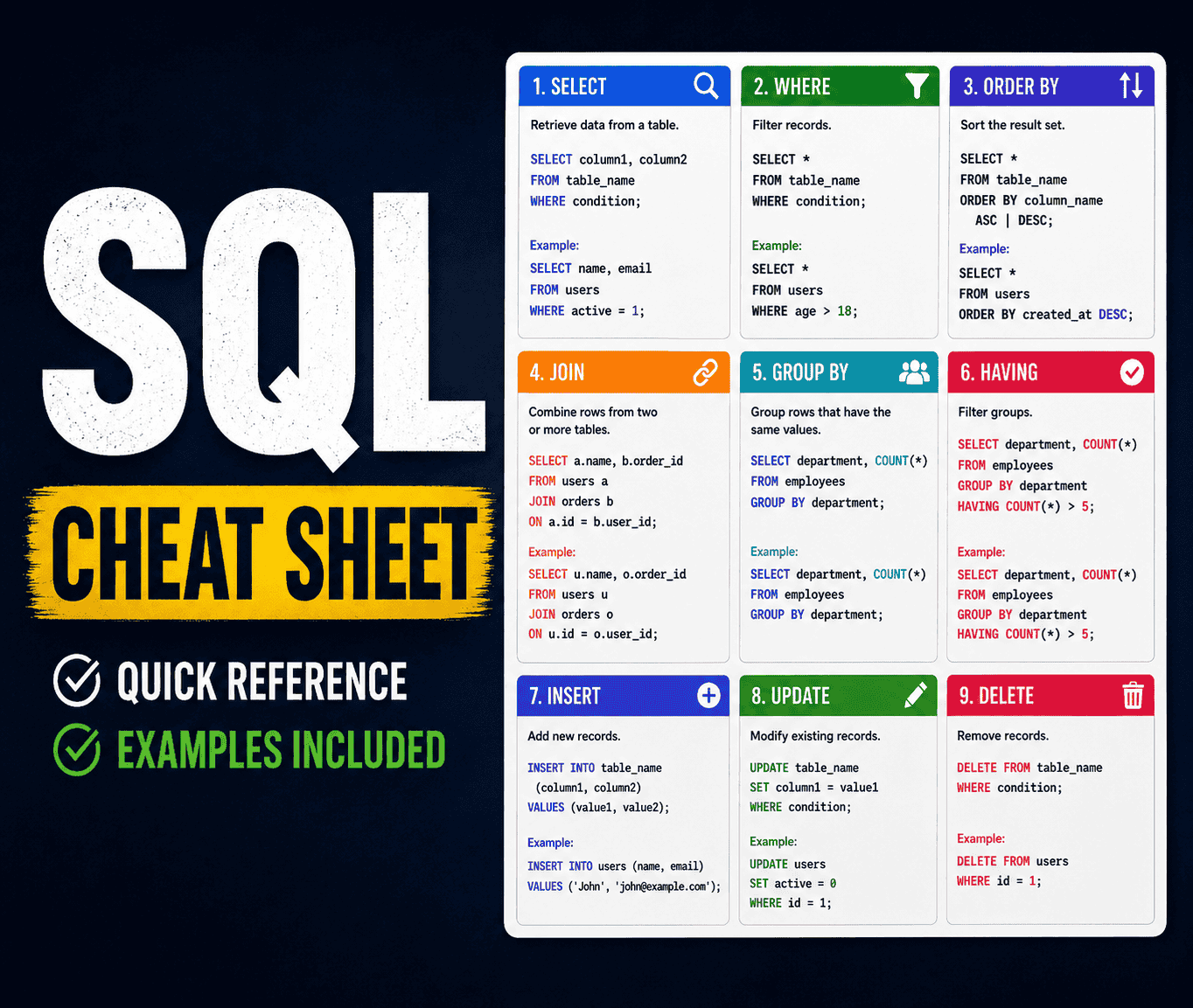
The Complete SQL Cheat Sheet 2026
Every SQL command, function, and pattern you need — from basic SELECT queries to advanced window functions, CTEs, indexes, and transactions. Clean, runnable examples for PostgreSQL, MySQL, and SQL Server.

Most Asked Behavioral Interview Questions and Answers
Prepare for your next interview with the 21 most asked behavioral questions. Includes STAR-method model answers for every question, plus tips on what hiring managers really want to hear.

Highest Paying Tech Jobs in 2026
Discover the 10 highest-paying tech roles available right now, with real salary data, clear breakdowns of what each job involves, who each role suits best, and actionable advice on how to break in — even from zero experience.