Ace your next frontend interview with this comprehensive guide covering closures, the event loop, promises, async/await, prototypes, ES6 features, and many more must-know JavaScript concepts.
This is almost always the very first JavaScript question in any interview. All three are ways to declare variables, but they differ in scope, hoisting behaviour, and reassignability.
undefined, can be re-declared.// var - function scoped
function testVar() {
if (true) {
var x = 10;
}
console.log(x); // 10 — leaks out of the block
}
// let - block scoped
function testLet() {
if (true) {
let y = 20;
}
// console.log(y); // ReferenceError
}
// const
const obj = { name: "Alice" };
obj.name = "Bob"; // ✅ mutation allowed
// obj = {}; // ❌ TypeError — reassignment not allowedHoisting is JavaScript's mechanism of moving declarations to the top of their scope during the compilation phase — before any code executes.
undefined.console.log(a); // undefined (hoisted)
var a = 5;
greet(); // "Hello!" — function declaration fully hoisted
function greet() { console.log("Hello!"); }
console.log(b); // ReferenceError: Cannot access 'b' before init
let b = 10;var are hoisted as undefined, not as functions — so calling them before the declaration throws a TypeError, not a ReferenceError.Scope determines the visibility and lifetime of a variable. JavaScript has three main types:
let / const inside {} are confined to that block.JavaScript also follows lexical (static) scoping — a function's scope is determined by where it is defined in the source code, not where it is called.
let global = "I'm global";

function outer() {
  let outerVar = "outer";

  function inner() {
    let innerVar = "inner";
    console.log(global);   // ✅ accessible
    console.log(outerVar); // ✅ accessible via scope chain
    console.log(innerVar); // ✅ local
  }

  inner();
  // console.log(innerVar); // ❌ ReferenceError
}A callback is a function passed as an argument to another function and executed at some later point — either after some operation completes or when an event occurs.
function fetchData(url, onSuccess, onError) {
  // simulating an async operation
  setTimeout(() => {
    if (url) onSuccess("Data received");
    else     onError("URL missing");
  }, 1000);
}

fetchData(
  "https://api.example.com",
  (data)  => console.log(data),  // ✅
  (error) => console.error(error)
);
Callback hell occurs when callbacks are nested many levels deep, making code hard to read and maintain. Promises and async/await solve this.
Arrow functions are a concise ES6 syntax for writing functions. Key differences from regular functions:
this — they inherit this from the enclosing lexical scope.new).arguments object.// Regular function — 'this' is dynamic
const obj = {
name: "Alice",
greet: function() {
setTimeout(function() {
console.log(this.name); // undefined — 'this' is window/undefined
}, 100);
}
};
// Arrow function — 'this' is lexically bound
const obj2 = {
name: "Alice",
greet: function() {
setTimeout(() => {
console.log(this.name); // "Alice" ✅
}, 100);
}
};this to refer to the element. This nuance trips up many candidates.Destructuring allows you to unpack values from arrays or properties from objects into distinct variables, using a concise syntax.
// Array destructuring
const [first, second, ...rest] = [1, 2, 3, 4, 5];
console.log(first, second, rest); // 1 2 [3,4,5]

// Object destructuring
const { name, age, city = "Unknown" } = { name: "Alice", age: 30 };
console.log(name, age, city); // Alice 30 Unknown

// Renaming
const { name: userName } = { name: "Alice" };
console.log(userName); // Alice

// Function parameter destructuring
function greet({ name, age }) {
  return `Hi ${name}, you are ${age}!`;
}
greet({ name: "Bob", age: 25 }); // "Hi Bob, you are 25!"[a, b] = [b, a] is a classic one-liner interviewers love to see.The spread operator (...) expands an iterable (array, string, object) into individual elements.
// Merging arrays
const a = [1, 2, 3];
const b = [4, 5, 6];
const merged = [...a, ...b]; // [1,2,3,4,5,6]

// Copying arrays (shallow)
const copy = [...a];

// Spreading into a function
Math.max(...a); // 3

// Merging objects (last write wins)
const defaults = { theme: "dark", lang: "en" };
const user     = { lang: "fr", name: "Alice" };
const config   = { ...defaults, ...user };
// { theme: "dark", lang: "fr", name: "Alice" }

// Spreading a string
const chars = [..."hello"]; // ['h','e','l','l','o']Rest parameters allow a function to accept an indefinite number of arguments as an array, using the ... syntax as the last parameter.
function sum(...numbers) {
  return numbers.reduce((total, n) => total + n, 0);
}
console.log(sum(1, 2, 3, 4, 5)); // 15

// Mixed with regular params
function logAll(first, second, ...others) {
  console.log(first);   // "a"
  console.log(second);  // "b"
  console.log(others);  // ["c","d","e"]
}
logAll("a", "b", "c", "d", "e");arguments object?arguments, rest parameters are a real array — they have map, filter, etc. Also, arguments is not available in arrow functions.The DOM (Document Object Model) is a tree-like representation of the HTML document. JavaScript can read and modify it using browser APIs.
// Selecting elements
const el     = document.getElementById("myId");
const els    = document.querySelectorAll(".myClass");

// Modifying content
el.textContent = "New text";
el.innerHTML   = "<strong>Bold</strong>"; // use with care (XSS risk)

// Modifying styles and attributes
el.style.color      = "blue";
el.setAttribute("aria-label", "Close");
el.classList.add("active");
el.classList.toggle("open");

// Creating and inserting elements
const div = document.createElement("div");
div.textContent = "Hello!";
document.body.appendChild(div);

// Removing elements
el.remove();

// Event listeners
el.addEventListener("click", (e) => {
  e.preventDefault();
  console.log("Clicked!", e.target);
});Both are Web Storage APIs for storing key-value pairs in the browser, but they differ in persistence:
// localStorage
localStorage.setItem("theme", "dark");
const theme = localStorage.getItem("theme"); // "dark"
localStorage.removeItem("theme");
localStorage.clear();

// sessionStorage — same API, different lifetime
sessionStorage.setItem("cart", JSON.stringify([{ id: 1 }]));
const cart = JSON.parse(sessionStorage.getItem("cart"));

// Storing objects (stringify/parse required)
const user = { name: "Alice", role: "admin" };
localStorage.setItem("user", JSON.stringify(user));
const stored = JSON.parse(localStorage.getItem("user"));HttpOnly cookies over localStorage to prevent XSS attacks.ES6 (2015) and later versions introduced many features that are now essential in modern JavaScript development:
`Hello, ${name}!`user?.address?.cityvalue ?? "default"a ||= b, a &&= b, a ??= b// Optional chaining
const city = user?.address?.city; // undefined instead of TypeError
// Nullish coalescing — only null/undefined triggers default
const port = config.port ?? 3000;
// Logical assignment
let name = null;
name ??= "Anonymous"; // "Anonymous"
// Object shorthand
const x = 1, y = 2;
const point = { x, y }; // { x: 1, y: 2 }
// Computed property names
const key = "name";
const obj = { [key]: "Alice" }; // { name: "Alice" }?? and ||?|| uses any falsy value as a trigger (including 0, "", false), while ?? only triggers on null or undefined. This distinction frequently appears as a bug-hunting question.A closure is a function that retains access to its outer scope's variables even after the outer function has returned. It is formed every time a function is created, at function creation time.
function makeCounter() {
  let count = 0; // private state

  return {
    increment() { count++; },
    decrement() { count--; },
    value()     { return count; },
  };
}

const counter = makeCounter();
counter.increment();
counter.increment();
console.log(counter.value()); // 2
// count is not accessible from outside — true privacy
Practical uses: module pattern, memoisation, event handlers with context, partial application / currying.
var-in-loop bug and fix it with let or an IIFE. This tiny demo proves you truly understand closures, not just the textbook definition.A Promise is an object representing the eventual completion or failure of an asynchronous operation. It has three states:
const promise = new Promise((resolve, reject) => {
  const success = true;
  if (success) resolve("All good!");
  else         reject(new Error("Something went wrong"));
});

promise
  .then(result => console.log(result))  // "All good!"
  .catch(err   => console.error(err))
  .finally(()  => console.log("Done")); // always runs

// Combining promises
Promise.all([p1, p2, p3])      // all must resolve
Promise.allSettled([p1, p2])   // waits for all, regardless of outcome
Promise.race([p1, p2])         // first to settle wins
Promise.any([p1, p2]) // first to resolve winsPromise.all and Promise.allSettled?all, allSettled, race, any) — interviewers frequently ask about edge cases like what happens when one of the promises in Promise.all rejects.async/await is syntactic sugar over Promises that makes asynchronous code read like synchronous code.
async makes a function always return a Promise.await pauses execution of the async function until the Promise resolves.// With Promises
function getUser(id) {
return fetch(`/api/users/${id}`)
.then(res => res.json())
.then(data => data)
.catch(err => console.error(err));
}
// With async/await — cleaner, easier to reason about
async function getUser(id) {
try {
const res = await fetch(`/api/users/${id}`);
const data = await res.json();
return data;
} catch (err) {
console.error(err);
}
}
// Parallel execution — don't await sequentially when you don't need to
async function loadAll() {
const [users, posts] = await Promise.all([
fetch("/api/users").then(r => r.json()),
fetch("/api/posts").then(r => r.json()),
]);
return { users, posts };
}await a non-Promise value?Promise.all. This signals senior-level async awareness.The value of this depends on how a function is called, not where it is defined (except with arrow functions).
window).call, apply, bind.this from lexical scope.function show() { console.log(this); }
show(); // window (non-strict) / undefined (strict mode)
const user = { name: "Bob", show };
user.show(); // { name: "Bob", show: f }
const bound = show.bind({ name: "Forced" });
bound(); // { name: "Forced" }Every JavaScript object has an internal link to another object called its prototype. Property lookups walk up this chain until they find the property or reach null.
function Animal(name) {
  this.name = name;
}

Animal.prototype.speak = function() {
  return `${this.name} makes a sound.`;
};

const dog = new Animal("Rex");
console.log(dog.speak()); // "Rex makes a sound."

// prototype chain:
// dog → Animal.prototype → Object.prototype → null__proto__ and prototype?prototype is a property of constructor functions. __proto__ is the actual link on instances. Keep this distinction crisp.JavaScript uses prototypal inheritance: objects inherit directly from other objects via the prototype chain.
function Animal(name) {
  this.name = name;
}
Animal.prototype.eat = function() {
  return `${this.name} eats.`;
};

function Dog(name, breed) {
  Animal.call(this, name); // inherit properties
  this.breed = breed;
}
Dog.prototype = Object.create(Animal.prototype); // inherit methods
Dog.prototype.constructor = Dog;

Dog.prototype.bark = function() {
  return `${this.name} barks!`;
};

const rex = new Dog("Rex", "Labrador");
console.log(rex.eat());  // "Rex eats."
console.log(rex.bark()); // "Rex barks!"class syntax relate to prototypal inheritance?Classes provide a cleaner syntax for establishing prototypes and inheritance.
class Animal {
  #sound; // private field (ES2022)

  constructor(name, sound) {
    this.name  = name;
    this.#sound = sound;
  }

  speak() {
    return `${this.name} says ${this.#sound}!`;
  }
}

class Dog extends Animal {
  constructor(name) {
    super(name, "Woof");
  }
}

const dog = new Dog("Rex");
console.log(dog.speak()); // "Rex says Woof!"#field) — it shows you are up-to-date with the spec.These are the three most important higher-order array methods:
const numbers = [1, 2, 3, 4, 5, 6];

const doubled = numbers.map(n => n * 2); // [2,4,6,8,10,12]
const evens   = numbers.filter(n => n % 2 === 0); // [2,4,6]
const sum = numbers.reduce((acc, n) => acc + n, 0); // 21map using reduce?ES Modules (ESM) are the official standard for splitting code into reusable files.
// math.js
export const PI = 3.14;
export function add(a, b) { return a + b; }
export default function greet(name) { return `Hi ${name}`; }

// main.js
import greet, { PI, add } from "./math.js";Shallow copy copies top-level properties (nested objects are shared). Deep copy creates a fully independent clone.
const original = { a: 1, b: { c: 2 } };

// Shallow
const shallow = { ...original };

// Deep
const deep = structuredClone(original);structuredClone support that JSON.parse does not?structuredClone handles Date, Map, Set, and circular references. Always prefer it.Methods to explicitly set this value.
function greet(s) { return `${s}, ${this.name}`; }
const user = { name: "Alice" };

greet.call(user, "Hello");
greet.apply(user, ["Hi"]);
const bound = greet.bind(user, "Hey");bind?The event loop handles asynchronous operations in a single-threaded environment.
console.log("1");
setTimeout(() => console.log("3"), 0);
Promise.resolve().then(() => console.log("2"));
console.log("4");
// Output: 1, 4, 2, 3Debouncing delays execution until a certain amount of silence has passed.
function debounce(fn, delay) {
  let timer;
  return (...args) => {
    clearTimeout(timer);
    timer = setTimeout(() => fn(...args), delay);
  };
}Throttling ensures a function fires at most once per interval.
function throttle(fn, limit) {
  let waiting = false;
  return (...args) => {
    if (!waiting) {
      fn(...args);
      waiting = true;
      setTimeout(() => waiting = false, limit);
    }
  };
}Accumulation of unreleased memory.
Functions that can pause and resume execution using yield.
function* counter() {
  let i = 0;
  while(true) yield i++;
}
const gen = counter();
gen.next().value; // 0fn(a, b) → fn(a)(b). Enables partial application and composition.
const add = a => b => a + b;
const add5 = add(5);
add5(3); // 8The environment in which code is executed (Variable/Lexical Environment, this).
Key-value/Sets where keys/values are held weakly (garbage-collection friendly).
| Topic | Key Takeaway |
|---|---|
| Scope | var: function; let/const: block. |
| Hoisting | Declarations move to top; let/const stay uninitialised (TDZ). |
| Closures | Function + Lexical Environment (retains outer variables). |
| this | Depends on call-site; lexical in arrow functions. |
| Event Loop | Stack → Microtasks (Promises) → Macrotasks (Timer). |
| Prototypes | Objects link to others for property lookup. |
| Async | Non-blocking operations via callbacks/Promises/Await. |
| Copying | structuredClone() for true deep copies. |
| Optimisation | Debounce (wait for pause); Throttle (fixed rate). |
Think out loud
Interviewers want to hear your reasoning process.
Write clean code
Use meaningful variable names and avoid shortcuts.
Know the 'why'
Explain why a feature exists, not just its definition.
Anticipate follow-ups
Mention related topics proactively.
Use real examples
Tie concepts to real-world scenarios like search inputs.
Practise coding
At least 70% of interviews involve live coding.
Master closures, the event loop, promises, async/await, and the ES6+ toolkit to ace your next JS interview.
📚 Also Study
Md Rashid
Software engineer and career coach with 6+ years in the tech industry. Writes about interview prep, developer careers, and tech job markets.
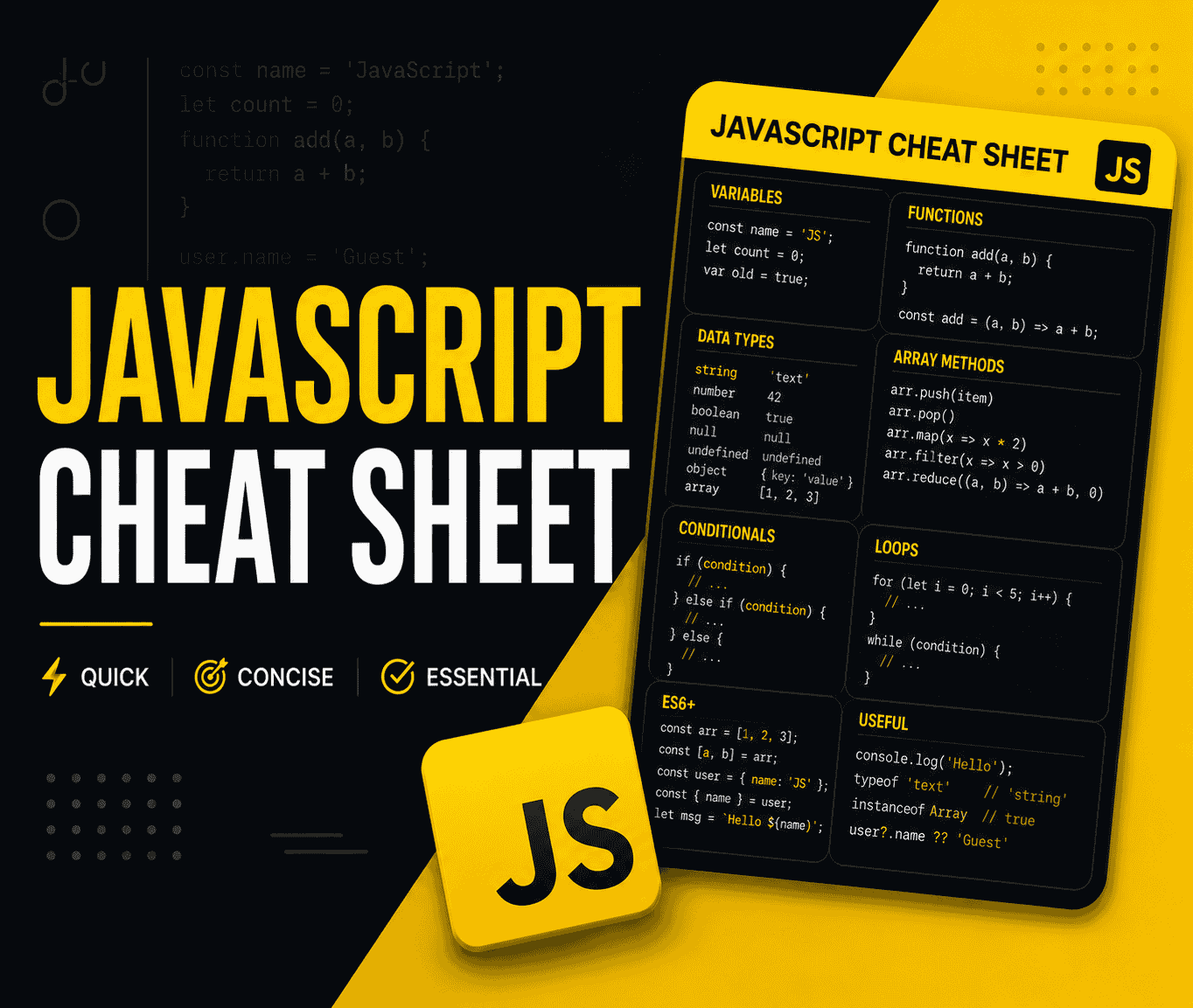
The Complete JavaScript Cheat Sheet 2026
Every essential JavaScript syntax, method, and pattern you need — from variables, arrays, and objects to async/await, closures, ES2026 features, and DOM manipulation. Clean, copy-paste-ready examples.

Top 30 Most Asked React Interview Questions and Answers (2026 Edition)
Ace your next frontend interview with this comprehensive guide covering React hooks, virtual DOM, state management, context, performance optimisation, and the latest React 19 concepts.
Top 30 Node.js Interview Questions and Answers (2026 Edition)
Ace your next backend interview with this comprehensive guide covering the event loop, streams, clustering, async/await, Express.js, JWT authentication, caching, rate limiting, and graceful shutdown.
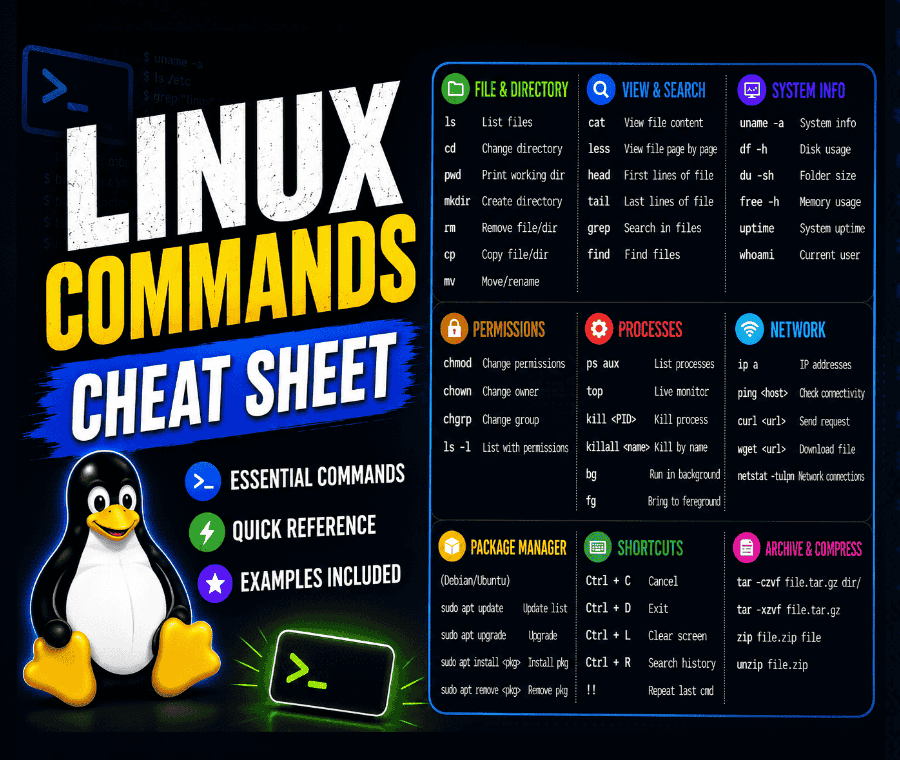
The Complete Linux Commands Cheat Sheet 2026
Every essential Linux command defined with clean, practical examples. Covers file navigation, system monitoring, user permissions, networking, package management, and shell scripting.